layouts:
app.ts
layouts: { basic: layoutBasic } gives io.layout.basic() in page handlers.
A page that returns just display components,
return [io.display.table(…)], goes into the layout registered as basic, titled with the page’s name and description. Without one, the page shows an
error that says so.Available layouts
Each card is one package and opens its page with its props.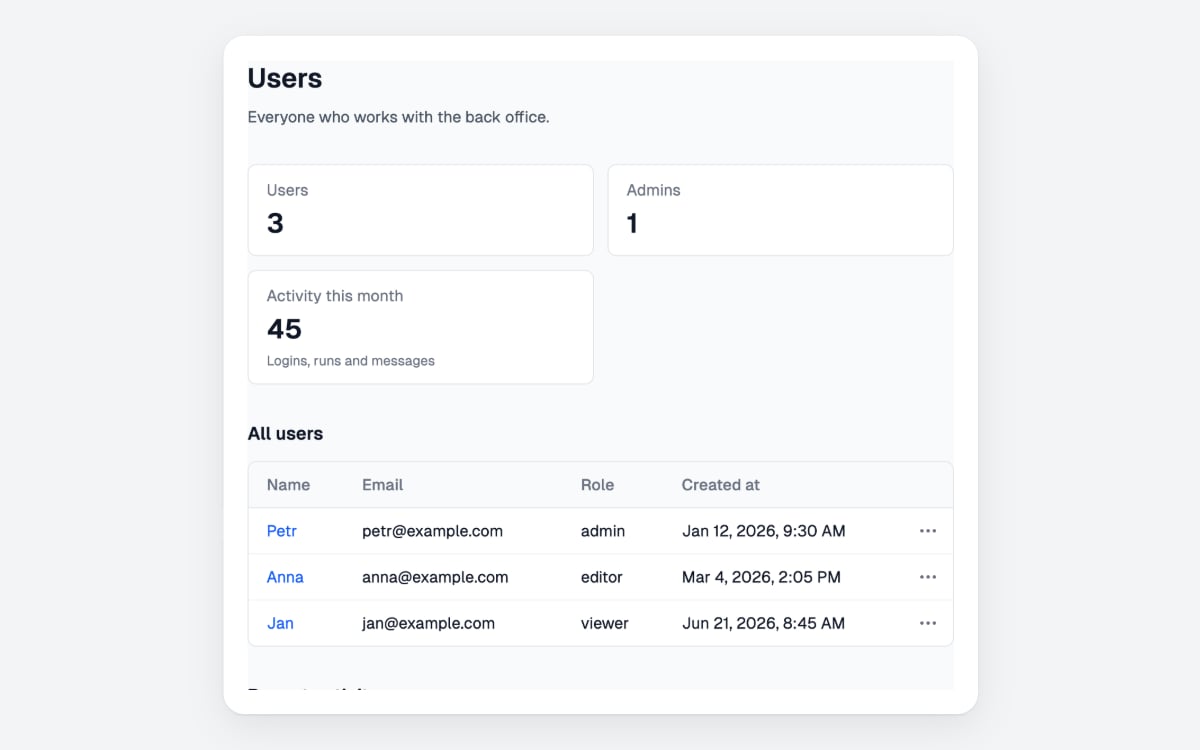
Layout Basic
io.layout.basic() shows a title, a description and the display components below each other.Write your own
A layout is one.tsx file in its own package, built like your own input component, with defineLayout. props are its own options besides children:
src/layoutTwoColumns.tsx
layouts: { twoColumns: layoutTwoColumns }, and pages call io.layout.twoColumns({ title: 'Reports', children: [...] }). Registered under basic, it takes the place of @awaitio/layout-basic.
component gets:
The server checks
props against the schema before they reach the browser; props that do not fit show an error instead of the page.