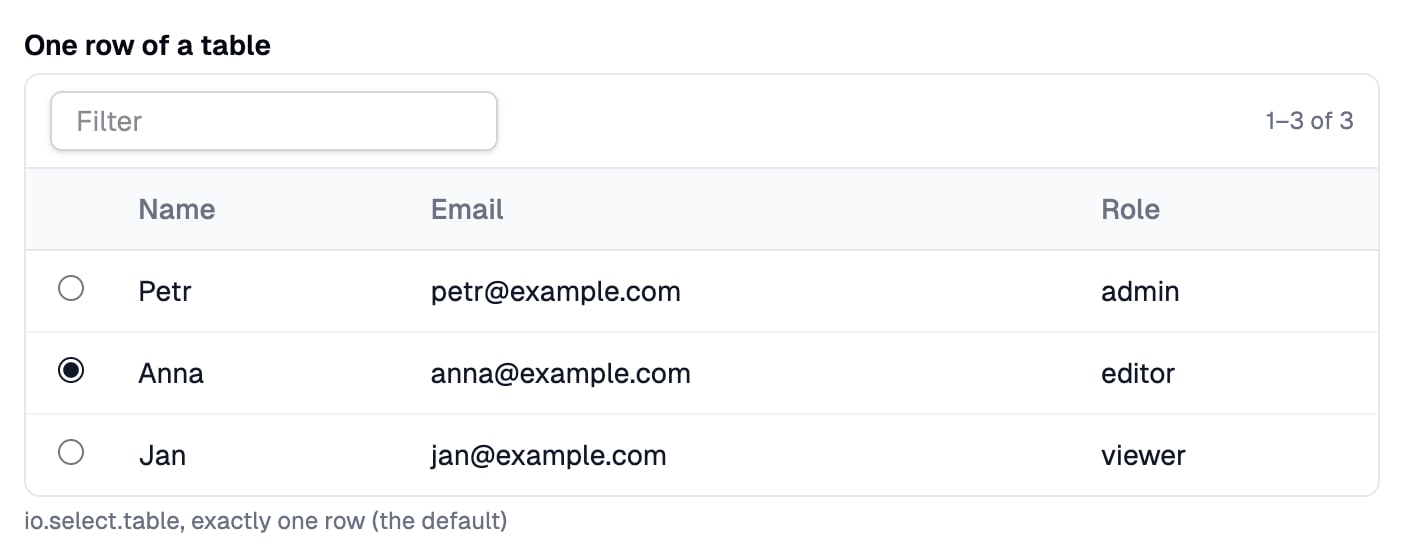
io.select.table() shows records as a table with a radio or a checkbox in front of each row and returns the rows that were picked. Provided by the @awaitio/select-table package.
io.display.table.
Install
Setup
Register it under the key you want inio, see Input components:
app.ts
Usage
Props
Optional
The field is required. Chain.optional() to let it stay empty; the handler then gets Record<string, unknown>[] | undefined, see Optional fields.
Returns
Record<string, unknown>[]: the picked rows as they were sent to the browser. They travel as JSON, so a Date comes back as its ISO string; read the record again by its id when you need all of it.
Built-in validation
The server checks every answer, so a crafted request cannot slip in another row:Custom validation
Chain.validate() for a check of your own. It runs on the server after the checks above, gets the value the handler would get and returns a message to show under the field, or nothing when the value is fine; see Custom validation.