components under display, next to the input components:
app.ts
display: { table: displayTable } gives io.display.table() in page handlers.
Available components
Each card is one package and opens its page: all its props and how the server checks them.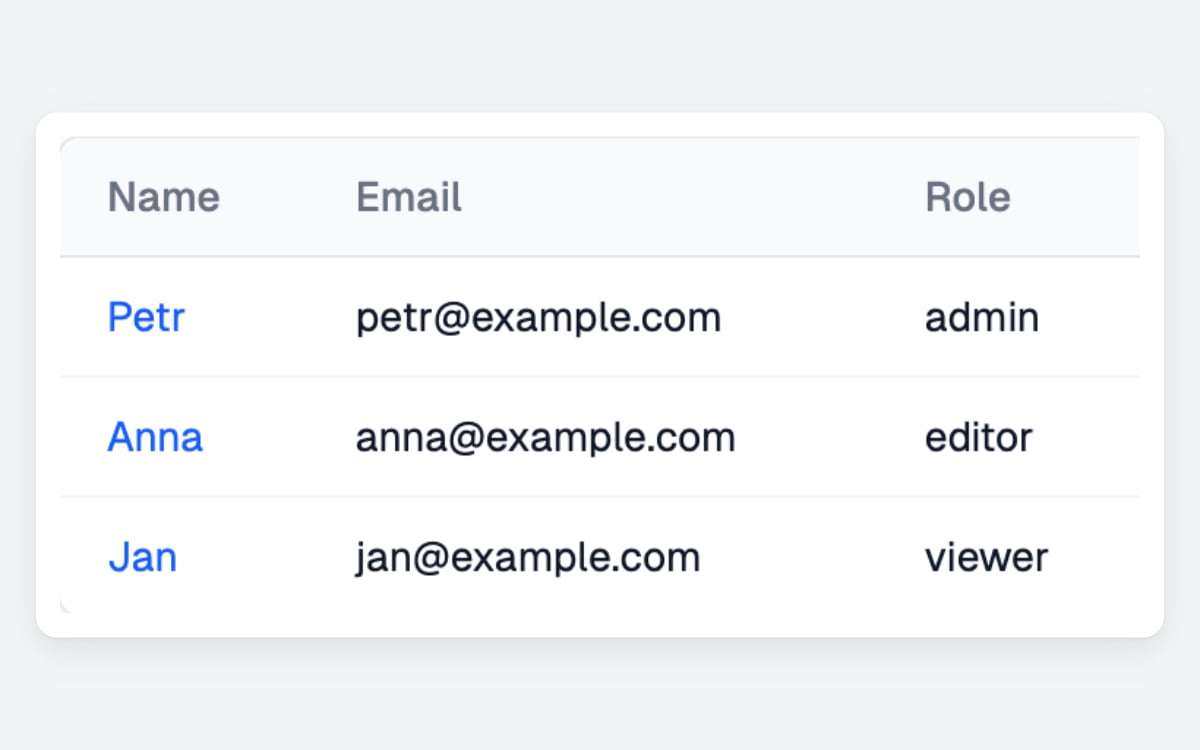
Display Table
io.display.table() shows records with filtering, paging, links to actions and a row menu.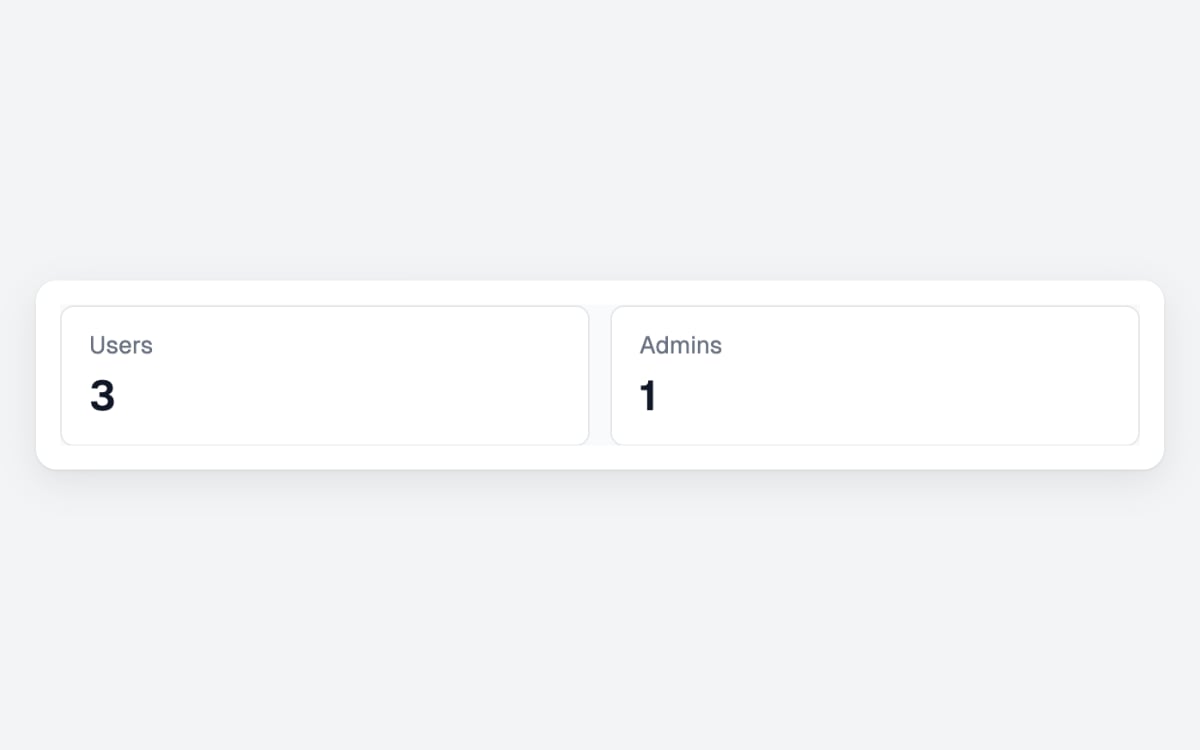
Display Metadata
io.display.metadata() shows label and value tiles, such as totals above a table.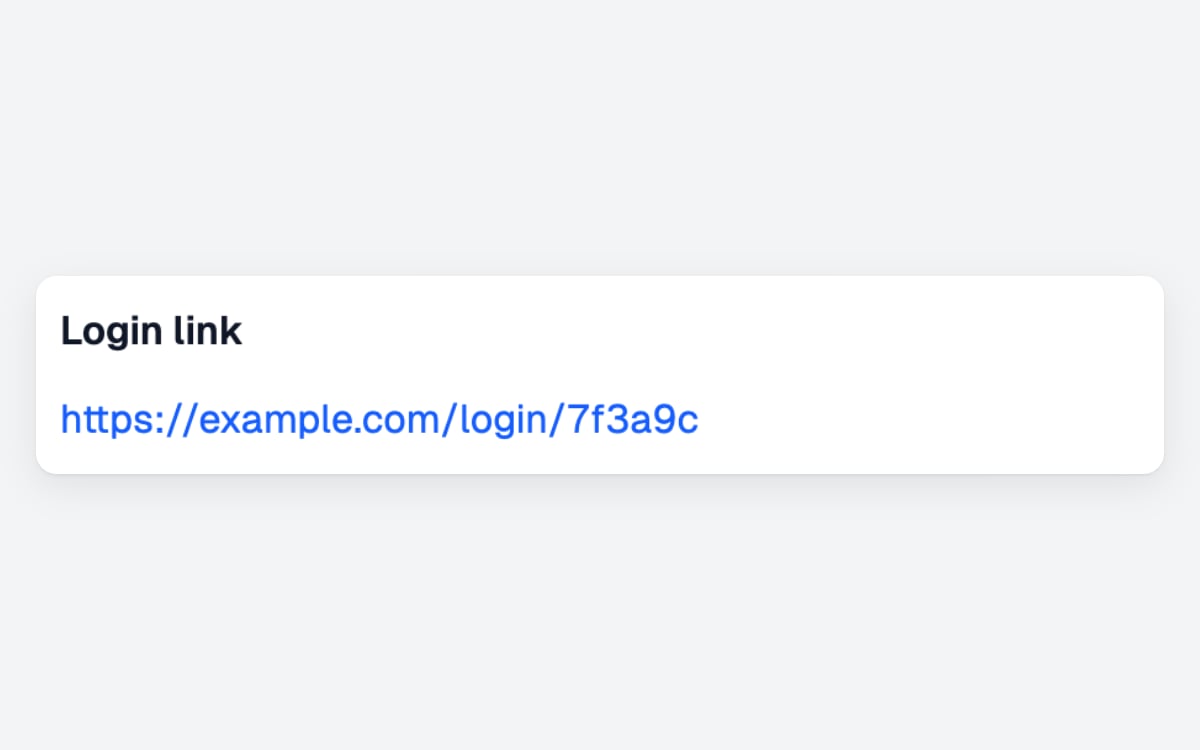
Display Link
io.display.link() shows a link to a page in the app or outside it.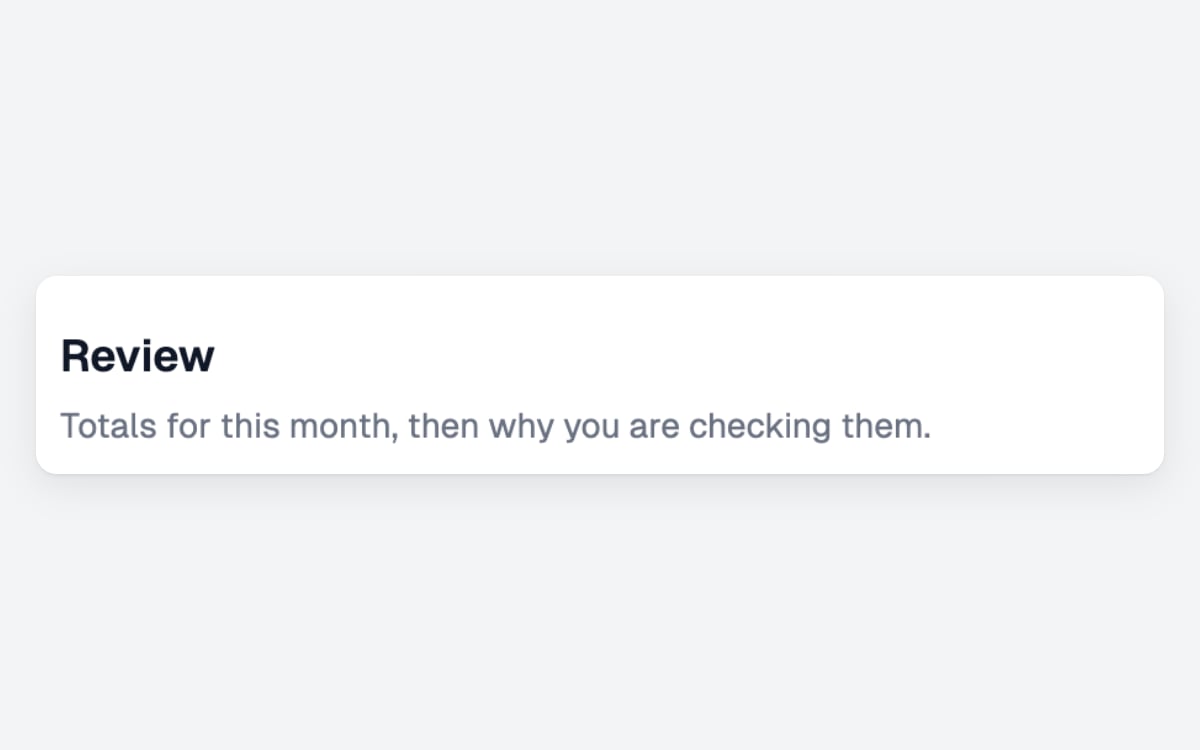
Display Heading
io.display.heading() shows a section title with an optional line under it.
Display Image
io.display.image() shows a picture, such as a chart or a file preview.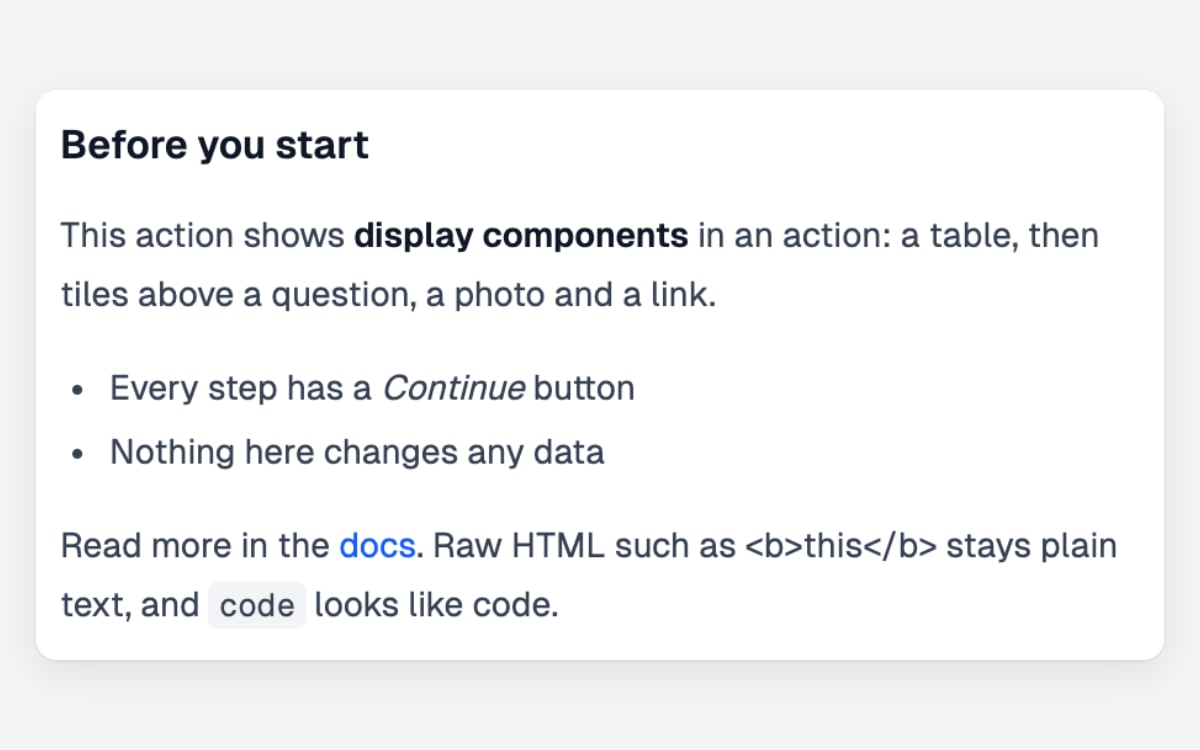
Display Markdown
io.display.markdown() shows formatted text written in markdown.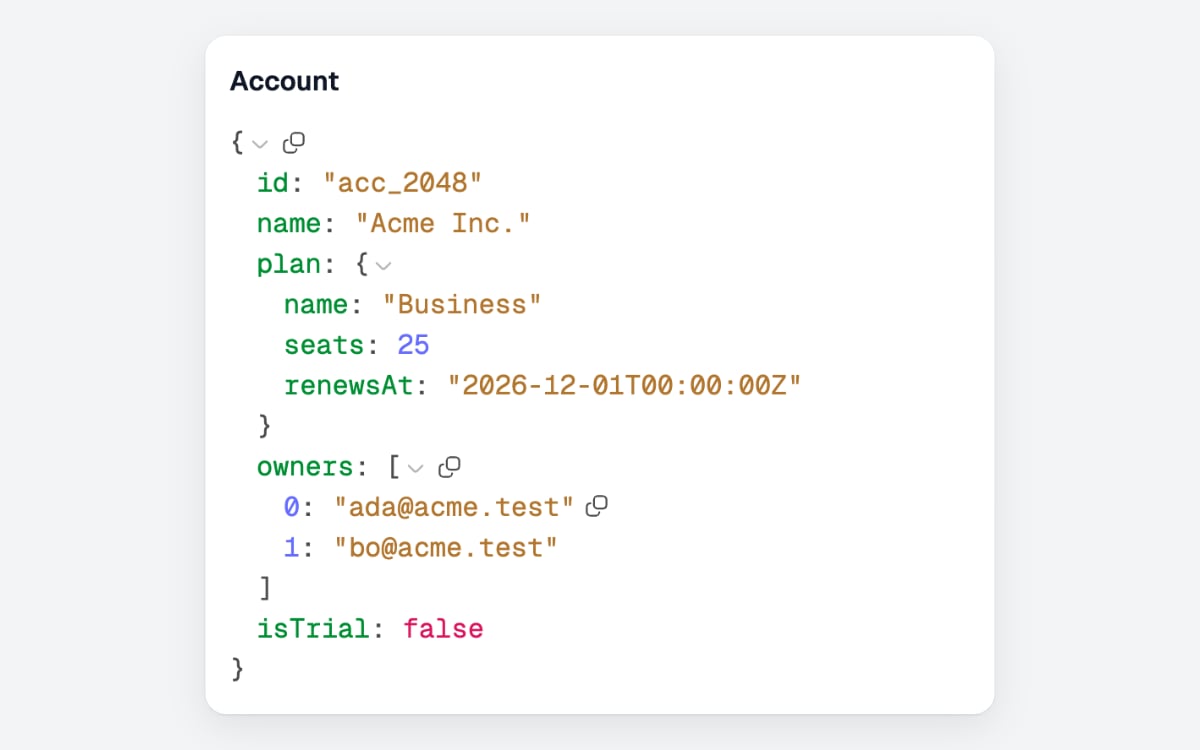
Display Object
io.display.object() shows the keys and values of a record, nested data included.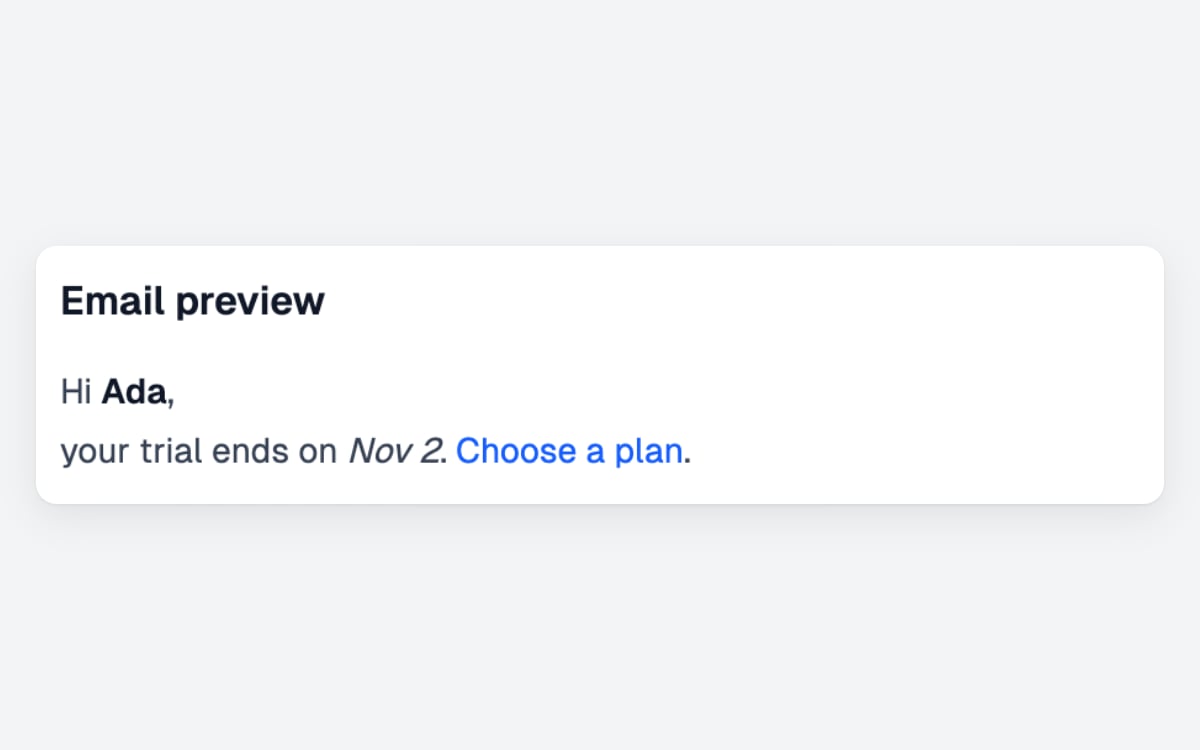
Display HTML
io.display.html() shows HTML markup, sanitized first.In a page
actions/users/index.ts
- Every display component takes a label, shown as the heading above it (
nullfor none), and its props. - Props are typed by the component’s schema, and the server checks them again before they reach the browser: props that do not fit show an error instead of the page.
In an action
An action’sio has them too. Awaited on its own, a display component is a step with a Continue button; in io.group it sits next to inputs. Either way it answers nothing, undefined:
Write your own
A display component is one.tsx file in its own package, built like your own input component, with defineDisplay and only props and component:
The SDK draws the label as a heading above the component. A component that shows the label itself, like io.display.heading, sets wrap: false in defineDisplay.
src/displayList.tsx
display: { list: displayList }, and pages call io.display.list('Label', { items }). AwaitIO draws the label; the component draws the rest.
Building blocks
Build a display component from the blocks inawaitio/ui. As for input components, the theme draws them, so your component looks like the rest of the app and needs no CSS.
A component that fills a
Table from database rows can format each cell with formatCellValue(value) from awaitio/ui: dates become Oct 16, 2026, 9:30 AM, numbers get separators, booleans read Yes and No and an empty value shows N/A, the same as in the built-in tables.