

io.select.singleNative() asks to pick one option from a native drop-down and returns the chosen option itself: a { value, label } object, an enum member or a record from your database. Provided by the @awaitio/select-single-native package.
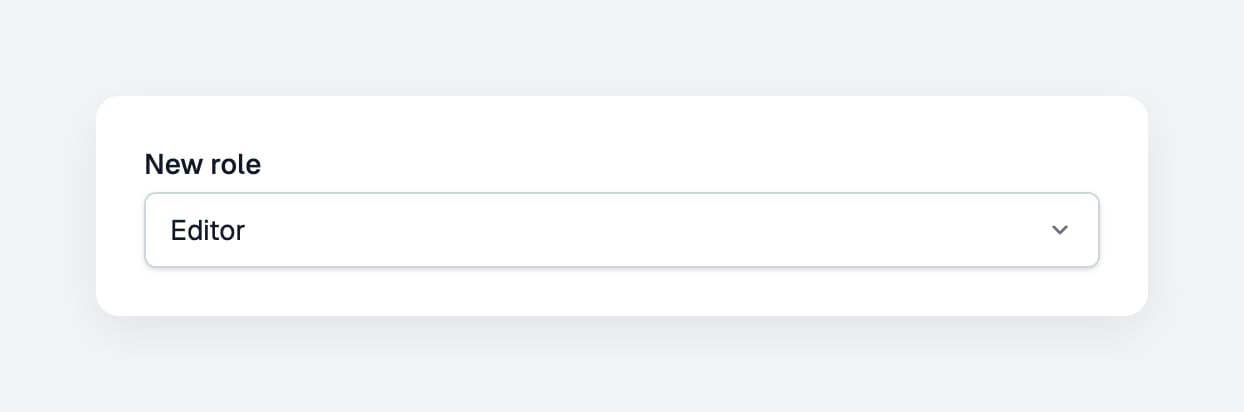
The drop-down is the browser’s own
<select>: it opens the list the browser and the operating system draw, with no search as you type, no button to clear the choice and nothing else on top. It suits short lists, such as a role or a plan. For long lists and anything more involved, use io.select.single().Install
Setup
Register it under the key you want inio, see Input components:
app.ts
Usage
key and label; the handler gets the record back, relations and dates included:
Props
Optional
The field is required. Chain.optional() to let it stay empty; the handler then gets the option or undefined, see Optional fields.
Returns
The chosen option itself, typed byoptions: the same object you passed, not a copy.
Built-in validation
The server checks every answer, so a crafted request cannot slip in another value:Custom validation
Chain.validate() for a check of your own. It runs on the server after the checks above, gets the value the handler would get and returns a message to show under the field, or nothing when the value is fine; see Custom validation.